Migma Now Talks Back: Conversational AI, Social Media Generation, and 10x Better Conversion.

Migma Now Talks Back: Conversational AI, Social Media Generation, and 10x Better Conversion.

Migma Now Talks Back
Minimalist illustration: a single coral-colored chat bubble (#c15f3d) with three animated dots inside, positioned above a simplified keyboard icon rendered in soft grey lines on a warm off-white background (#f5f5f0); clean geometric shapes with generous whitespace, representing conversational AI interaction

Ask questions about your business, brainstorm campaigns, write blog posts—Migma's your new AI bestie who actually gets it.

Start Chatting | Watch Video


Convert your emails to social media posts and blog articles.

Minimalist illustration on soft off-white background (#f5f5f0): three social media platform icons arranged horizontally—Instagram square icon (left), LinkedIn square icon (center), Facebook landscape icon (right)—all rendered in brand coral (#c15f3d) with subtle grey wireframe skeleton UI boxes beneath each icon suggesting content placeholders; clean geometric design with generous whitespace

Just ask Migma to create social media posts and it will create on-brand images.

Generate Posts | Watch Video


Any Image to Email in 30 Seconds

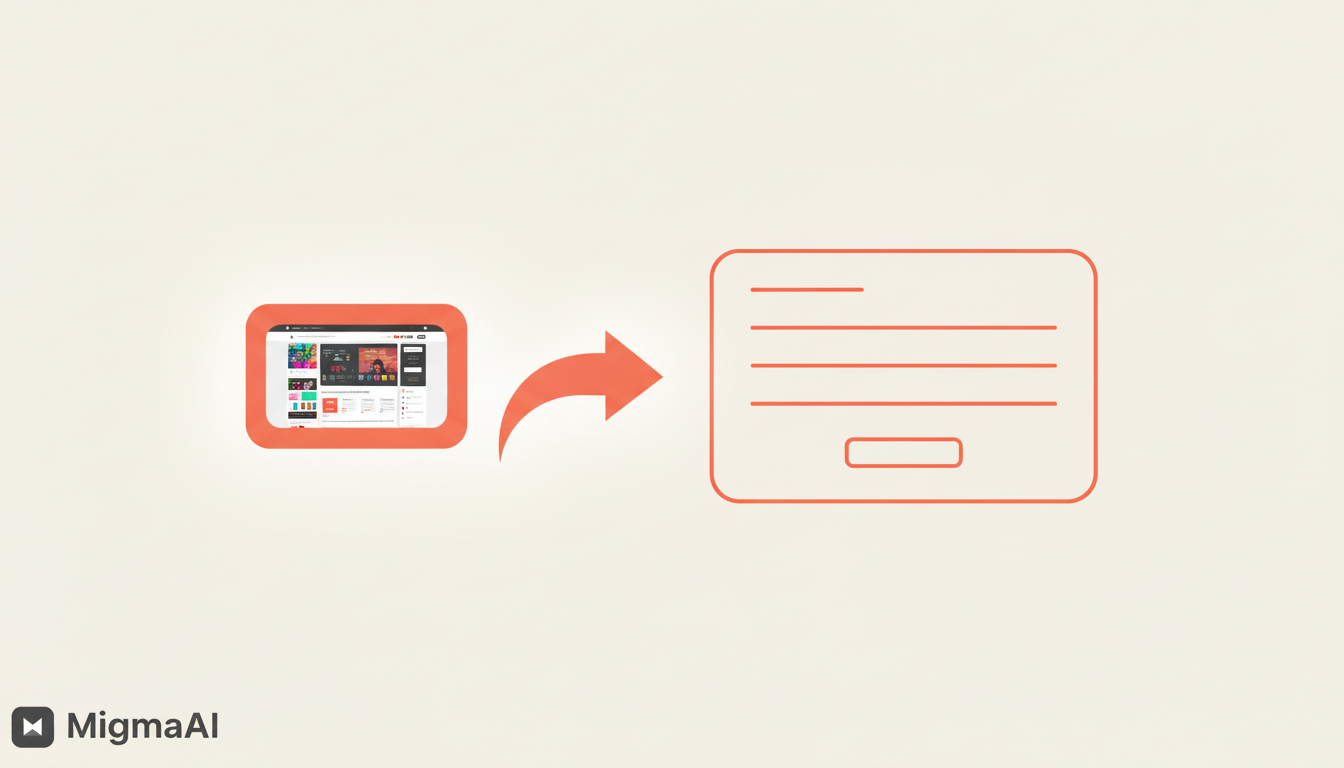
Minimalist transformation illustration on soft off-white background (#f5f5f0): left side shows a simplified smartphone or screenshot icon with a camera/image symbol inside, rendered in brand coral (#c15f3d) outline; bold curved arrow in coral points rightward; right side displays a clean email template wireframe with header bar, text lines, and button outline—all in coral; emphasizes one-click conversion from any image to production-ready email code with minimal geometric design and generous whitespace

Screenshot, Figma, or Sketch—drop any image and Migma converts it to pixel-perfect, on-brand email code. No coding, no hassle, just magic.

Try Image Upload | Watch 30s Demo


Figma Conversion, Perfected
Clean technical illustration on soft off-white background (#f5f5f0): prominent Figma logo icon in brand coral (#c15f3d) positioned left with three stacked rectangular wireframe boxes below representing design frames; bold curved arrow in coral points rightward; right side features code brackets symbol '</>' in coral above clean horizontal lines suggesting responsive email structure; minimal geometric design emphasizing design-to-code workflow

Copy Figma frames, paste into Migma. Complex styles, custom fonts, responsive layouts—all preserved perfectly.

Convert from Figma | Watch Demo


Remix Your Best Emails
Minimalist grid illustration on soft off-white background (#f5f5f0): 2×2 grid layout of four email template thumbnails rendered as simple wireframe rectangles with internal horizontal lines, all in brand coral (#c15f3d); circular refresh/remix icon in coral positioned at center overlapping grid; clean geometric pattern with generous whitespace emphasizing template library and reusability concept

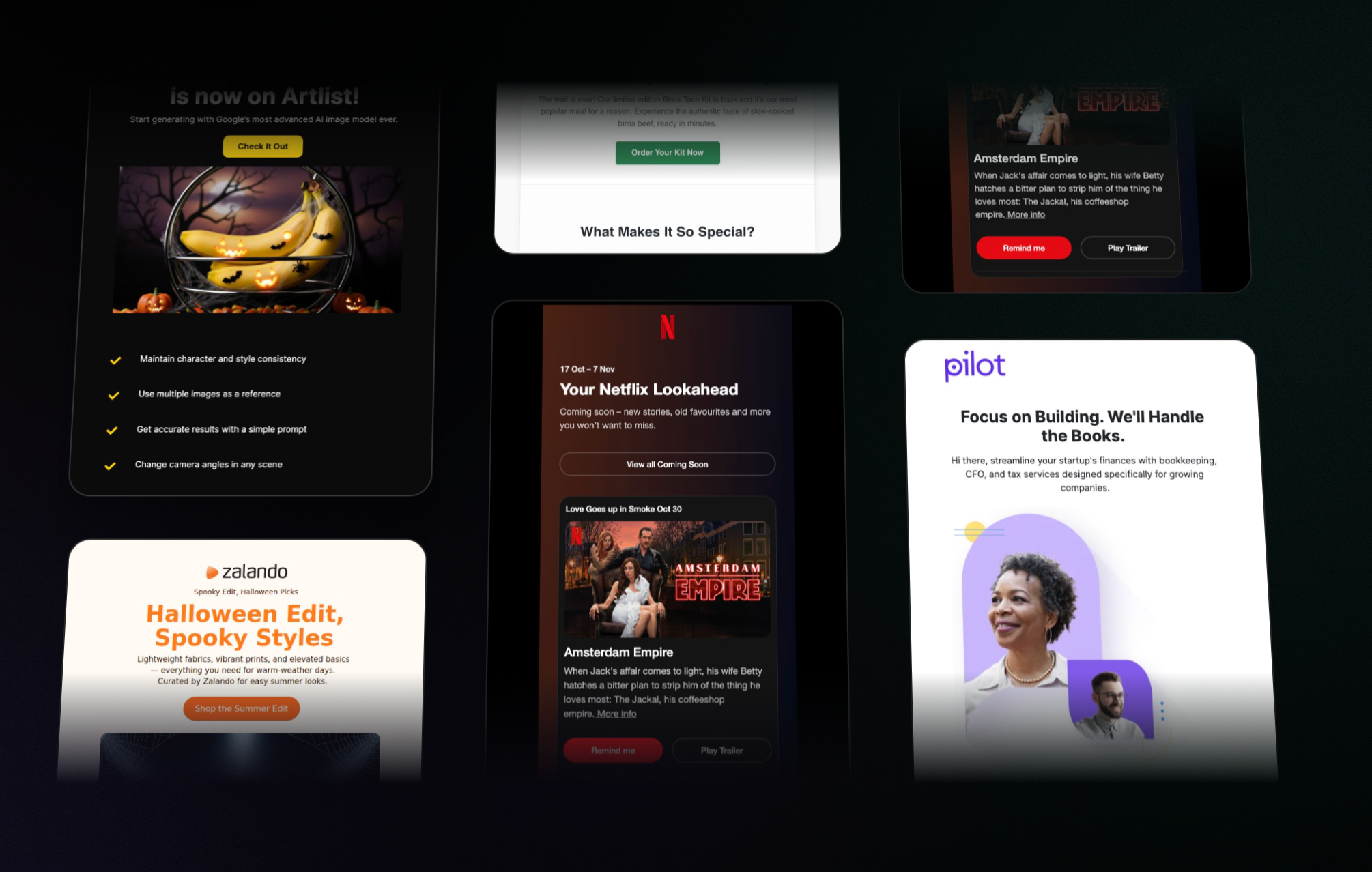
Found an email that worked? Remix it with new content, different vibes, or seasonal themes.

Browse Templates


All These Updates, Zero Extra Cost

Same Migma you know, now with superpowers. Try the new features today.

Explore New Features